

This guide will show you how to use the Web Console for Commands.
Click here to order your Mount & Blade II: Bannerlord server with Citadel Servers
1. Log in to your Game Panel.
Start your server
2. Open the Commandline Manager.
The Commandline needed to be reselected for the new parameters to work on your server.

3. Open the Web Console in the sidebar.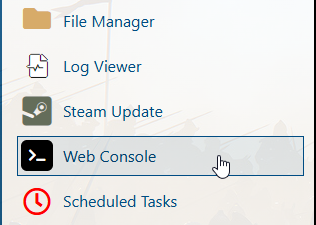
3. In the Web Console window, you can input the command you want to issue.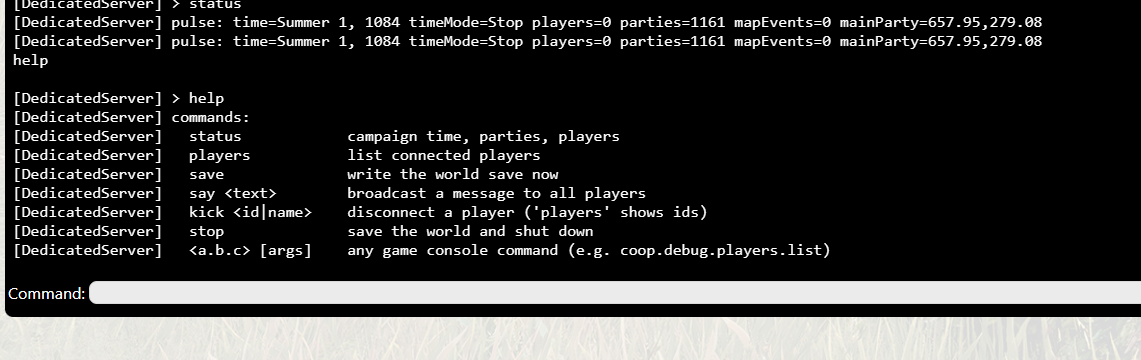
Did the above information not work for you?
Please click here to contact our support via a ticket.