
This guide will show you how to verify that your Battlefield 1942 server is online.
Click here to order your Battlefield 1942 Game Server with Citadel Servers today!
1. Log in to your Game Control Panel.
Start your server. Follow our Update Guide if you haven't set it up yet.
2. If you haven't set the server name. Follow our Configuration Guide here.
3. Once the server is finished being set up and started,
Click the "Master Server List" button at the bottom of the sidebar.
Alternatively, go to: http://master.bf1942.org/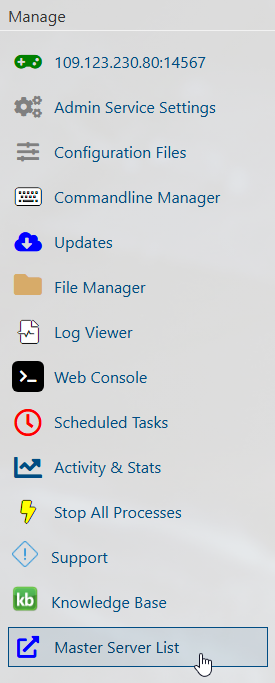
4. Press "Ctrl+F" to use the search feature of your browser.
Type your server's name, and it should highlight it.
If the server is on the list after starting, it is verified and can be found in the in-game server browser.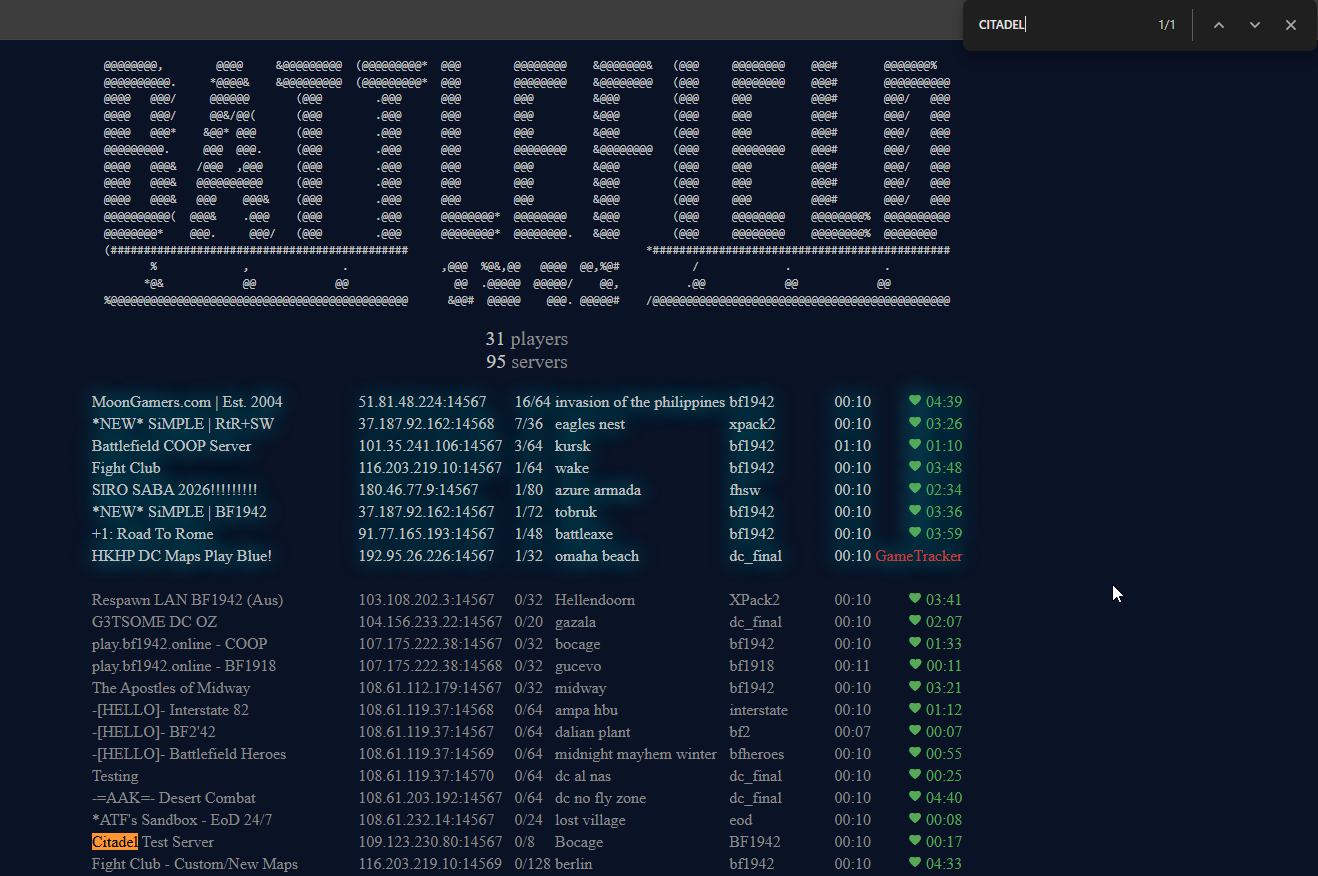
Did the above information not work for you?
Please click here to contact our support via a ticket.