

This guide will show you how to connect to the Web Control Panel of your Unreal Tournament 2004 server.
Click here to order your Unreal Tournament 2004 server with Citadel Servers today!
1. Log in to your Game Control Panel.
2. Start your server and use the Web Control Panel command in the sidebar.
Note: The Web Panel Page will not be operational if the server is not online.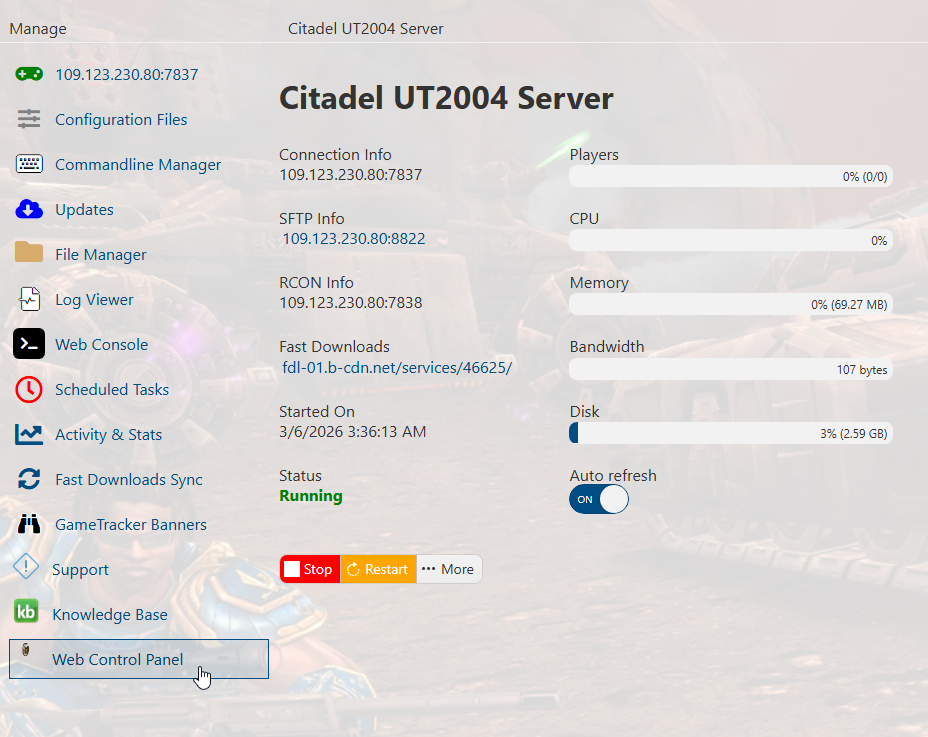
3. This will open a new tab and will prompt a login for the panel.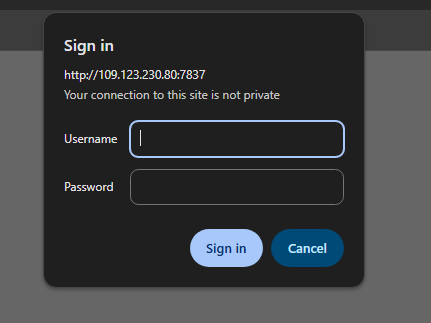
4. To find and edit your admin password, open the Configuration Files tab.
Click the Text Editor button of the main config, and find the "Engine.AccessControl" section.
This will contain the AdminPassword command. Edit it if you wish, copy the password, and save the config.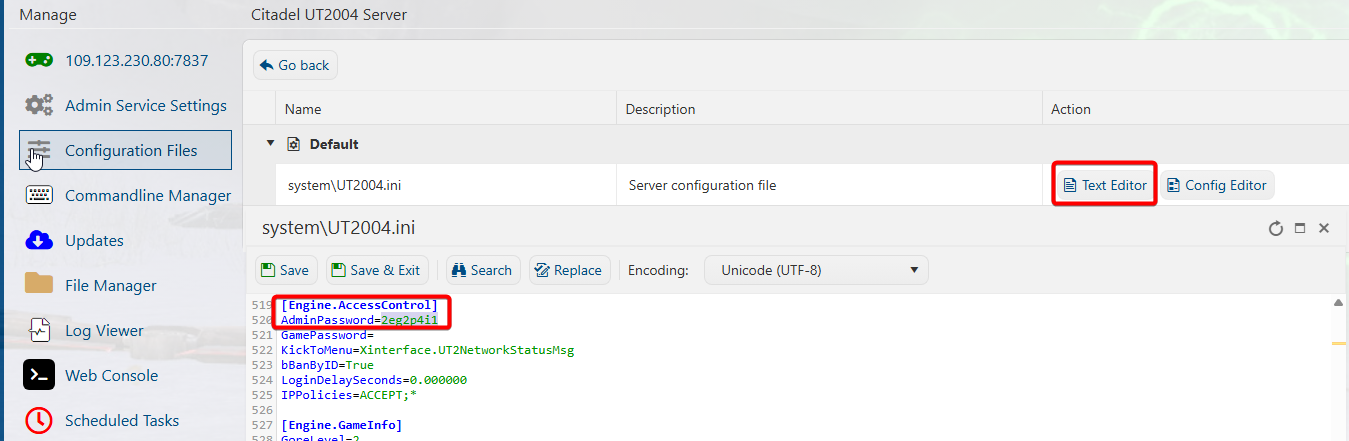
5. Go back to the new Web Control Panel tab from Step 3, and paste the admin pasword on the password field.
Click Sign In to be taken to the Web Control Panel page.
Username is not needed for this. You can add those later for additional admins.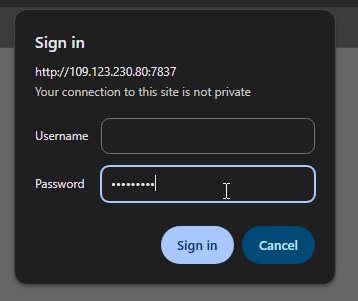
6. You are now logged in as an admin in the Web Control Panel page.
You can directly control most aspects of the server from here.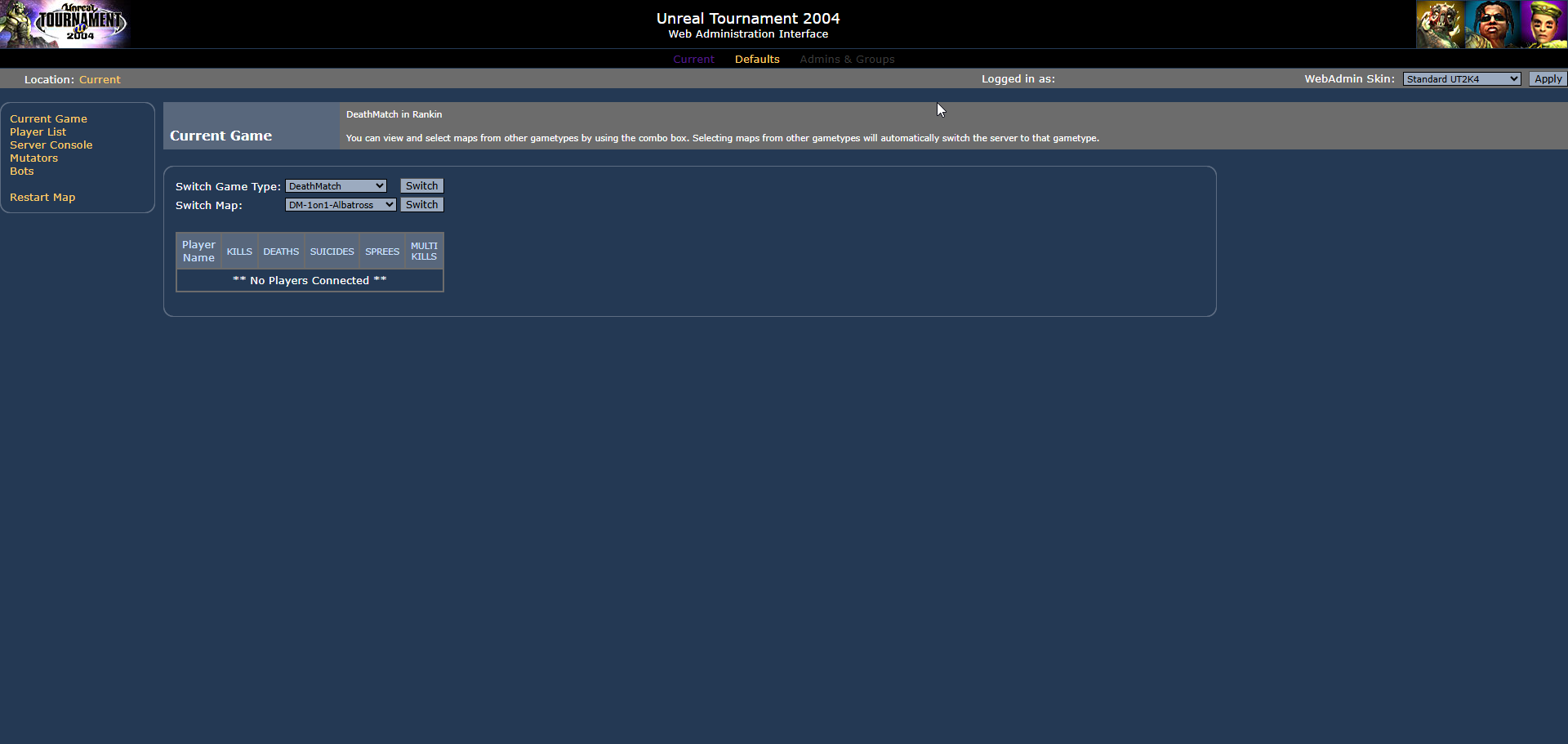
Did the above information not work for you?
Please click here to contact our support via a ticket.